 Chicago Works
How to Report a Pothole in Chicago
Chicago's freeze-thaw winters chew up asphalt, and the city fills potholes based on the reports it receives. Here is exactly how to get yours into the queue — and how to see it through to “closed.”
Every way to report a pothole in Chicago
The City of Chicago accepts pothole reports through three official channels, and all of them feed the same service-request queue:
- Call 311 from inside the city (or 312-744-5000 from outside city limits). An operator files the request for you — expect hold time at busy hours.
- Use the web portal at 311.chicago.gov. Search for the “Pothole in Street” service, enter the location, and submit.
- Use a 311 app like Chicago Works, which files through the city's official Open311 system — the same pipeline the call center uses — straight from your phone at the curb.
However you file, the request is routed to the Chicago Department of Transportation (CDOT), whose crews patch arterial and residential streets across all 50 wards.
What to include in your report
A pothole report is only as good as its location. Give the city what its crews actually need:
- The exact spot — a street address or intersection, plus which lane or side of the street the hole is in (curb lane, center lane, bike lane, crosswalk).
- A photo — it confirms the hazard is real and helps crews gauge severity. Shots that show the hole with some surrounding context work best.
- Anything unusual — standing water hiding the hole, exposed rebar, or a cluster of holes along the block.
What happens after you file
Your report gets a service request (SR) number — keep it. That number is how you (or your alderman's office) look up progress. The request moves through the standard 311 statuses: open, then in progress once it's assigned to a crew, then closed when the work is done.
Timing varies with the season. In late winter and early spring, freeze-thaw cycles open thousands of holes at once and crews triage the busiest streets first, so a quiet side street can take longer than a main road. Reporting still matters — unreported holes aren't in the queue at all.
If a pothole has already damaged your car, that's a separate damage-claim process with the city — but filing the 311 report first helps document that the hazard existed and when it was reported.
The fastest way: report it from the curb
The Chicago Works app turns the whole process into about three taps, right where the pothole is:
- Snap a photo of the hole from the sidewalk.
- Let GPS pin the location — the app auto-detects the spot and your Chicago ward, and you can drag the pin onto the exact lane.
- Pick “Pothole in Street” and submit. The request files directly with the city's Open311 system. No call, no hold music, no account to create.
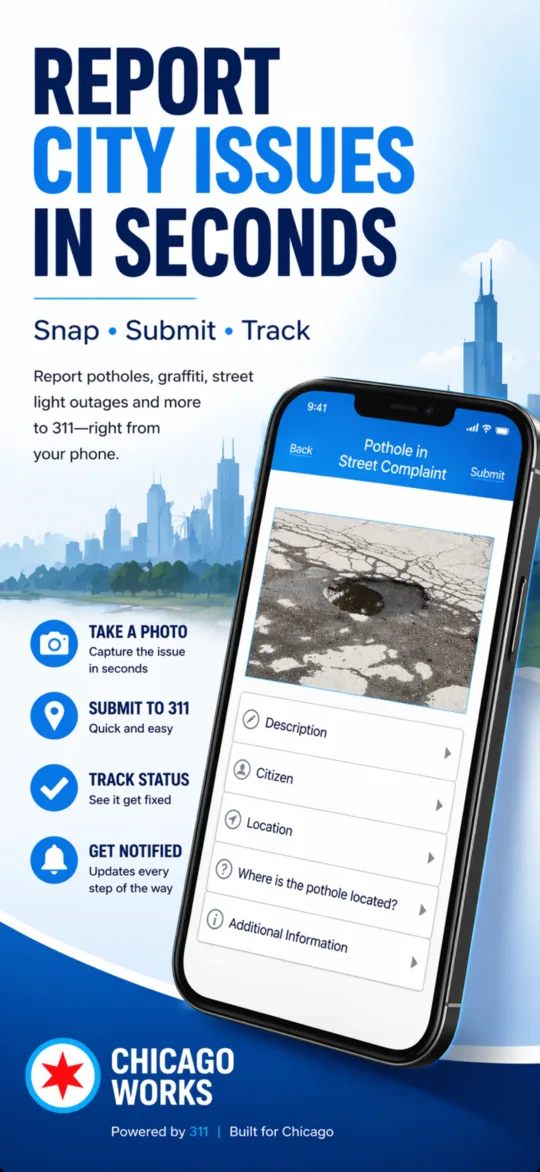
Afterward, the built-in Service Tracker shows your request's live status from the city's system, so you'll know when it flips to “in progress” and when the patch crew has closed it out. And if you spot the hole somewhere with no signal — a viaduct, a parking garage — the app saves your report offline and syncs it when you're back online.
Report that pothole before your next commute
Snap a photo, let GPS pin the spot, tap submit. Chicago Works files your pothole with the city's official Open311 system and tracks it until it's filled.
Download on theApp Store Free · iPhone & iPad · Also on Google Play · Works in all 50 wards